
How to Search the Burnsville Court Docket
Burnsville runs no municipal docket portal of its own. Every case lands in Dakota County District Court. The public search tool is Minnesota Court Records Online, known as MCRO. There, select Court Locations, County, and then Dakota. Burnsville Police sends parking and traffic tickets straight to the District Court. A Burnsville citation shows up as a county court record for that reason.
Search with a complete citation or case number when you have one. That is the most accurate key. MCRO also lets you search by person, business, attorney, and attorney bar number. Date filed, status, and category also work. Narrow name results with solid details rather than guessing from a city address. What you get back is an access tool. It is not a certified copy or a full police file.
- Open MCRO and choose Case Search.
- Select Dakota under Court Locations for a Burnsville judicial matter.
- Enter the complete case or citation number when known.
- Use Case Details to read events, documents, and listed hearings.
- Confirm a Burnsville-related setting with the court's calendar or Court Administration.
Burnsville Tickets Route to Dakota
The Burnsville Police page points parking and traffic ticket questions to Dakota County District Court. That settles the route. Burnsville issues the ticket. The docket, hearing date, payment process, and filed case all belong to the county court. So skip the hunt for a separate city court database. None exists here.
Lost your citation number? Court Administration, MCRO, and the Minnesota Court Payment Center are the court channels to use. The Dakota court divisions page lays out the criminal and traffic route within the court. Burnsville Police remains the right agency for an incident-report question. A Burnsville public record request and a Dakota court record request can end up at different offices. Each holds different kinds of records.
The Burnsville Municipal Court
There is no separate Burnsville Municipal Court. The phrase Burnsville court docket just describes the search intent behind Burnsville-origin cases. It names no city court with its own docket. Dakota County District Court holds original jurisdiction over county criminal, traffic, civil, family, probate, juvenile, and related matters. Burnsville citations and city-origin cases ride on that District Court record system.
Burnsville Police administration sits at 100 Civic Center Parkway, Burnsville, Minnesota 55337. The phone is 952-895-4600. That contact identifies the originating agency, not a judicial records desk. For any Burnsville court case, use one office. Dakota County District Court Court Administration is the steady records contact.
Note: A Burnsville police contact can name the city agency without revealing the court location, case status, or court outcome.
Burnsville City Data and Court Files
Burnsville draws a line between city-held public data and judicial records. On the Burnsville government page, the city states that public data may be viewed without charge. Paper copies generally run 25 cents a page. Electronic copies carry actual cost. Those terms cover city records only. They set no fee or access rule for a Dakota County court file.
A Burnsville incident report, police data request, or city administrative record starts with the city. A docket, filed court order, certified judgment, or register of actions starts with Court Administration. Minnesota Statutes Chapter 13 can apply to city material. The Minnesota Rules of Public Access govern court records. Mixing the two routes delays requests and misstates what the city actually holds. The Burnsville government page spells out the city-data terms.
Burnsville city data rules cover city-held material, while court records stay on the Dakota County route.
Burnsville Court Dates and Settings
Burnsville court dates are District Court settings. MCRO Hearing Search can look up a person or business name, complete case number, judicial officer, attorney, or hearing date range. The Dakota calendar page links the county's daily public calendar, which can show hearing location, date, time, judicial officer, hearing type, connection type, and case number.
The city pages post no separate daily court calendar. The Dakota PDF normally appears around 7:00 p.m. for the next day and refreshes hourly from 7:00 a.m. during business hours. It does not include every court matter. A Burnsville date missing from the PDF may be confidential, not remotely accessible, moved, or otherwise outside the public calendar. Confirm any important date with Court Administration.
| Date | The scheduled Dakota court date, not a final result. |
|---|---|
| Time | The listed setting time, subject to a current check. |
| Hearing location | The District Court service location assigned to the setting. |
| Judicial officer | The named officer, whose assignment can change. |
| Hearing type | The label for the proceeding, such as arraignment or motion hearing. |
Burnsville Administrative Citation Appeals
A Burnsville administrative citation is a city matter, not a court one. The appeal goes to the City Clerk. The clock runs 14 calendar days from the citation. That deadline belongs to a city process with its own rules and its own record keeper. It has nothing to do with a Dakota County District Court docket or an appeal from a court judgment. Before picking a deadline or an office, figure out which paper you actually hold. Is it a city administrative citation? Or is it a citation that was filed with the court?
Once a Burnsville matter lands in District Court, the hunt shifts. Confirm it through MCRO, Court Administration, the daily calendar, or the Payment Center. The right channel depends on what you need. A court case can carry a case number, Case Events, a hearing, and a disposition. A city administrative appeal follows a different timetable entirely. Sharing the Burnsville name does not merge the two.
Burnsville Traffic Tickets
Traffic and parking tickets from Burnsville that reach court show up in MCRO. Search by citation number, or by case number once one exists. Some payable citations also display an Appear By field. The Burnsville Police ticket route tells you which county court the ticket belongs to. The state's payment and hearing channels handle the judicial side.
The Minnesota Court Payment Center page lays out the options. Payment works online, by phone, by mail, or in person. Here is one warning from state traffic guidance. Paying a fine counts as a guilty plea and conviction. Do you want a hearing, or do you want to contest the ticket? Then follow the court instructions. Do not treat a city payment question as a court disposition. The Dakota County traffic court records page walks through the countywide court process.
Burnsville Police and Court Custodians
Different offices keep different pieces of a Burnsville event. Burnsville Police hold police reports and city material. Court Administration keeps the judicial docket itself. It also holds orders, filed pleadings, judgments, calendars, and copies of the court file. The county attorney or another prosecution office may hold separate working files of its own. So name the item you need, then ask the right office for it. One office does not hold every record tied to a single city event.
Need the city's parking and traffic-ticket routing? The official Burnsville Police page is the source to consult.
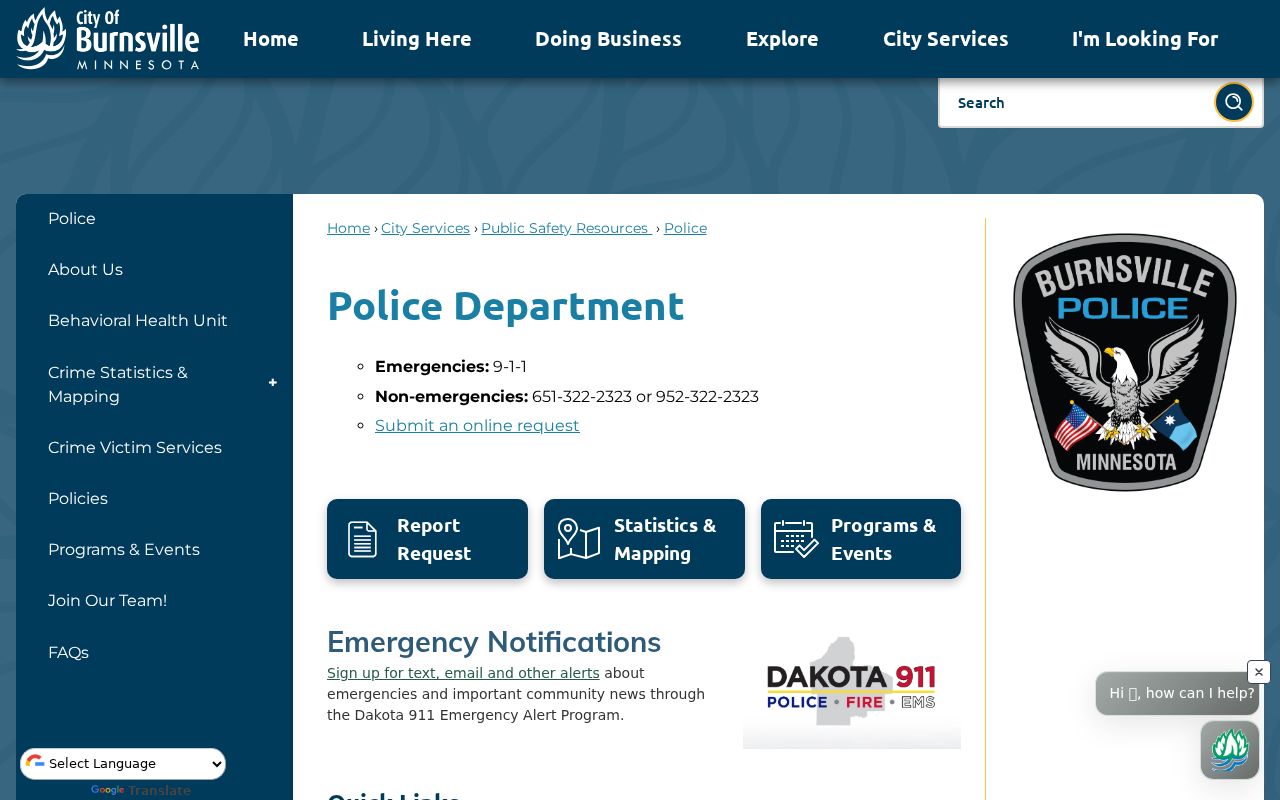
The Burnsville ticket route points judicial searches to Dakota County District Court. There is no separate city docket to check.
Where Burnsville Cases End Up
Burnsville judicial cases land in Dakota County District Court. That happens once the citation or city stage is done. The District Court splits into Criminal and Traffic, Civil and Conciliation, Family, Guardianship and Conservatorship, Juvenile, Probate and Mental Health, and treatment courts. "Burnsville" works as a local search term. But Dakota is the court location, and Dakota holds the record system.
Docket flow: Burnsville city agency or citation origin › Dakota County District Court › Minnesota Court of Appeals for a qualifying state appeal.
A Burnsville conciliation claim can spawn a separate civil file after removal for trial de novo. A federal case would not appear in MCRO at all. For district-level routing of city-origin cases, the Dakota County court docket overview covers it.
Burnsville MCRO Case Details
For anything Burnsville-related, MCRO Case Details opens the Register of Actions. Expect a case number, case type, filing date, venue, judicial officer, status, and citation number, plus parties, attorneys, related cases, hearings, financial information, and Case Events. Case Events are dated docket activities. A document index number can tie an event to a document, but a public event does not guarantee you can pull that document remotely.
The four MCRO tabs each do one job. Case Search finds the case. Document Search demands the complete number. Hearing Search finds settings, and Judgment Search covers docketed money judgments and satisfactions. Read the disposition or court record before treating a Burnsville charge, warrant, or hearing as a final outcome.
- Disposition
- The recorded outcome of a case or charge, such as dismissal, plea, or judgment.
- Case Event
- A dated docket entry in the case history.
- Hearing
- A scheduled proceeding rather than proof of a completed result.
Public Access to Burnsville Court Records
Burnsville court records sit inside the Minnesota Judicial Branch public-access framework. Remote MCRO helps. Courthouse terminals and Court Administration offer a fuller lawful route to public records, though. Dakota courts also give counter access to locally stored paper public records. One caution: a city data request will not turn a judicial screen print into a certified court copy.
The copy-request instructions separate plain, certified, and restricted-record paths. A certified Burnsville-related court copy should name the Dakota County file, the document wanted, and the copy type. Court fees can shift, so check the current Dakota fee table before paying.
Key rules:
Minnesota Rules of Public Access, Rule 4 sets the general public framework for court records.
Rule 8 identifies remote-access limits for specified court records and case types.
Minnesota Statutes section 13.03 applies to government data held by executive agencies, including some city records.
Burnsville Restricted Records and Privacy
A Burnsville case can be public in part. Its documents may stay sealed, confidential, restricted, or blocked from remote MCRO. The court calendar leaves out confidential and non-remotely accessible matters. So a search result, or a missing one, needs context. An empty online result proves nothing about a case being canceled, closed, or never filed.
For the lawful next step, use Court Administration or a courthouse terminal. Confidential-information forms shield restricted identifiers inside public filings; they do not unlock a sealed record. Personal details on a public calendar are not yours to copy. The matter starting in Burnsville does not change that. The court's access rules decide what you can get and how.
Burnsville Court Search Check
Sort your request first, then search. A Burnsville citation or court case lives in MCRO with the Dakota filter. A hearing date belongs in Hearing Search on the Dakota calendar. Police reports go to Burnsville Police. City administrative appeals go through the Burnsville city process. Splitting the paths keeps each office from fielding a docket request it never keeps.
A Burnsville court record is not always online. In that case, call Dakota Court Administration. You can also ask about terminal access at the courthouse, or use the court's copy-request route. Certified copies require the Dakota case number and the copy type. City records follow city data-practices terms instead. Burnsville and Dakota work hand in hand here. Still, one does not hold the other's court records.