
Searching Cases by Name
For a Dakota County case search, the public route is Minnesota Court Records Online, or MCRO. It took over for MPA Remote. Pick the Case Search tab first. Under Court Locations, choose County and check Dakota. Then type a person, business, attorney name, or attorney bar number. Skip that county filter and your name results will pull in cases from courts across Minnesota.
- Open MCRO Case Search and choose the person, business, attorney, or attorney-bar-number search type that fits the information at hand.
- For a person, enter the last name and first name. Middle name is optional, but a middle initial can help distinguish a common name.
- Open Court Locations, select County, and select Dakota. Add filed-date, status, or case-category filters only when they are known.
- Review the result cards, then open the matching Case Details record rather than assuming a similar name is the right Dakota County case.
Filtering makes the difference. The official Case Search instructions point to date filed, case status, category, court location, county, and attorney fields as the best ways to tighten Dakota County results. Categories matter too. The Dakota County divisions page makes this clear across criminal, traffic, civil, family, probate, juvenile, and treatment-court work. Searching a business? Use the business option rather than forcing it into a person-name field.
| MCRO field | Type | Required | Use for a Dakota County search |
|---|---|---|---|
| Person name | Text | For person search | Last and first name; middle name is optional. |
| Business name | Text | For business search | Use when the party is an organization. |
| Court Locations | Selector | No | Choose County, then Dakota, to focus the result list. |
| Date filed / status / category | Filters | No | Useful for separating similar Dakota County cases. |
Dakota County Name Search Tips
Names trip people up in MCRO. Searches are exact unless you turn on a deliberate aid. The official name-search handout allows a wildcard, but only after at least two characters. It separately offers Sounds Like. Never combine the two. Before deciding a Dakota County case is absent, try a few variations. Add a middle initial, or drop the middle name. Then test punctuation changes, suffix changes, and plausible spelling variants.
A broad name can generate a stack of result cards. MCRO can display up to 200 of them, newest first by default. An Oldest First control is available too. What you can do next depends on the result type. The official result-card handout explains. Case cards lead to Case Details. Document, hearing, and judgment results each have their own detail links.
Note: To find a Dakota County result again, jot down four things. Note the county filter, the search date, the exact spelling, and the tab you used.
Searching by Case Number
The most precise input for Case Search is a complete Dakota County case number or citation number. MCRO takes complete numbers without spaces. Dashes and leading zeros may be included or left out, per the court's instructions. An incomplete number triggers an error. Type the number exactly as your court notice shows it. Guessing at a local number pattern rarely works.
That numeric key points to one specific case. A citation becomes searchable only after it has been submitted and assigned to a case. Requesting a court record? The same complete case number helps Dakota County District Court Court Administration pull the file faster. A number may look like XX-XX-000000. The displayed court number, not a guessed format, controls the search.
Dakota County MCRO Search Tabs
MCRO offers four tabs, and each answers a different Dakota County question. Case Search locates a case. Document Search wants the complete case number. It returns a reverse-chronological document list with Print and View Document controls. Hearing Search finds settings several ways. Search by person or business, complete case number, judicial officer, attorney, or attorney bar number. Judgment Search centers on debtor names and covers docketed money judgments and satisfactions.
No account is needed for the public search, as the MCRO access page confirms. The system is not a filing tool, though. The job belongs to Minnesota eFile and eServe. It serves authorized filing and service, not public Dakota County case lookup.
- Case Details
- MCRO's case-level view, also called the Register of Actions, with summary fields and case events.
- Case Event
- A dated docket activity or filing description in the Dakota County case history.
- Document Index Number
- The identifying number attached to a document or event link in the docket.
- Hearing Search
- The tab for settings by person, case, judicial officer, or attorney.
What a Case Search Returns
A result card is only the doorway. Open a Dakota County Case Details record and you may see far more. The official synthetic field guide maps many sections. It covers an overview, upcoming hearings, financial information, case information, parties and roles, attorneys, assignments, case events, documents, dispositions, payments, and judgment details. Criminal records can add more. Look for charges, warrant information, conditions, and bond or bail activity. Remember that a docket label is not a final outcome by itself.
| Case information | Case number, title, type, filed date, venue or court location, judicial officer, status, citation number, flags, and related cases. |
|---|---|
| Case events | Dated docket activity, event descriptions, document index numbers, and links where a document is available. |
| Hearings | Scheduled setting details. A hearing appearing here is not proof that the hearing occurred or decided the case. |
| Financial information | Fines, fees, payments, and credits shown as separate case fields. |
| Judgment details | Money-judgment and satisfaction information when the record has that component. |
The synthetic Case Details handout makes a safer field map than a live calendar or case screen. Its example teaches the layout without publishing a private party's record.
Dakota County Hearing Searches
Hearing Search earns its keep when you want one Dakota County setting. Use it rather than pulling a whole case history. Narrow it by exact hearing date or date range, case category, and county location. One caution on judges: a judicial officer may have more than one name entry. A failed search may just need a variant spelling.
For the online fields, the Hearing Search instructions walk through each one. The Dakota County daily-calendar route does a different job. It is an operational publication of upcoming hearings. The calendar can change during the business day. If location, time, or connection type matters, confirm the calendar entry with the court.
Dakota County Document Access
Document Search runs on a case number, not a name. The official document-search instructions say you need the full number before you begin. What you get back is a reverse-chronological list. It ties each document to a case event. Just remember that seeing the event is no promise a remote image exists for it.
Plenty can block the image. Case category and filing date play a part, and so do confidentiality and sealing. Minnesota Rule of Public Access 8 matters too. So a missing link might mean the file sits outside remote coverage or is restricted. It does not mean the docket event never happened. For the underlying file or an authenticated copy, use the Dakota County court-record process. An online printout is not the official version.
Statewide vs County Case Search
Dakota County has no separate public county portal. That surprises some searchers. MCRO is one statewide system, and picking Dakota inside Court Locations gives you the county-focused view. Start there when you know the case belongs to Dakota County District Court. Another Minnesota venue might seem plausible. Just change or drop the county filter. The docket search widens from there.
| MCRO statewide view | MCRO with Dakota County selected |
|---|---|
| Searches the statewide public court system. | Focuses the same public system on Dakota County District Court results. |
| Useful when the county is uncertain. | Useful when the Dakota court location is known. |
| Can return similarly named cases from many locations. | Reduces unrelated location matches without changing Rule 8 limits. |
Skip the old MPA Remote address. It is obsolete. MCRO is the current public workflow for any Dakota County docket search. When an online lookup cannot answer a record question, Court Administration is the local route that can.
Dakota County Judgment Search
Judgment Search is its own MCRO tool. It exists for one job: hunting docketed money judgments and satisfactions by debtor name. For that narrow question it works well. It is not a general Dakota County case search, though. It will not hand you a certified judgment either.
When a result points to the Dakota County case you care about, open the full case record for the broader event history. Need a court-certified judgment or a document that is not available remotely? Request it from Dakota County District Court Court Administration.
Dakota County Case Search Fallbacks
Going online is not the only way to run a Dakota County case search. The Judicial Branch says public electronic terminals at courthouses give the most complete electronic access. Each courthouse also offers counter access to locally stored public paper records. These channels matter when you have the case number. A remote image, an older record, or a restricted category may never appear in MCRO.
Minnesota's access-to-case-records page points searchers toward the courthouse and local court for fuller access. The Dakota County court contact page lays out the local Court Administration routes. A certified copy belongs with Court Administration. So does a paper file. So does guidance on a restricted item. MCRO technical support is the wrong desk for those requests.
An online Dakota County result helps you locate a record. It is not the court's certified or official copy.
Access and Restricted Cases
Court-file access in Minnesota has a rulebook. The Rules of Public Access to Records of the Judicial Branch govern it. Rule 4 builds the public-access framework. Remote access falls under Rule 8, including subdivision 2. That subdivision names the records and case types you cannot reach online. Even a public case can hold a document that stays off the web.
MCRO says documents filed on or after July 1, 2015 are generally available remotely. That covers major and minor criminal, civil, formal and other probate, and guardianship or conservatorship cases. Exceptions apply. Family and post-adjudication paternity access is narrower still. Public documents in several sensitive categories never appear through MCRO at all. So a missing Dakota County document proves nothing about the case itself. It does not mean the case is closed or never existed.
Dakota County Restricted Record Routes
Remote access can stop short. Turn to a courthouse terminal, local Court Administration, or the proper copy-request route. A sealed or confidential record can require identity verification. It can also require a court order or a specific form. Adoption records follow the ADO600 and ADO601 process, not ordinary MCRO searching. Confidential-information forms protect restricted identifiers inside a filing. They do not open a sealed case.
Key point: A Dakota County case's absence from a remote result or document list is an access limitation to verify, not proof that no court file exists.
Once the case is located and you need a document, the Dakota County court records route explains plain, certified, and exemplified copy requests. Court Administration can point you to the right local process. No different MCRO tab will bypass a restriction.
Dakota County Case Search Screen
The official MCRO public entry point is where the Dakota County case-search view begins.
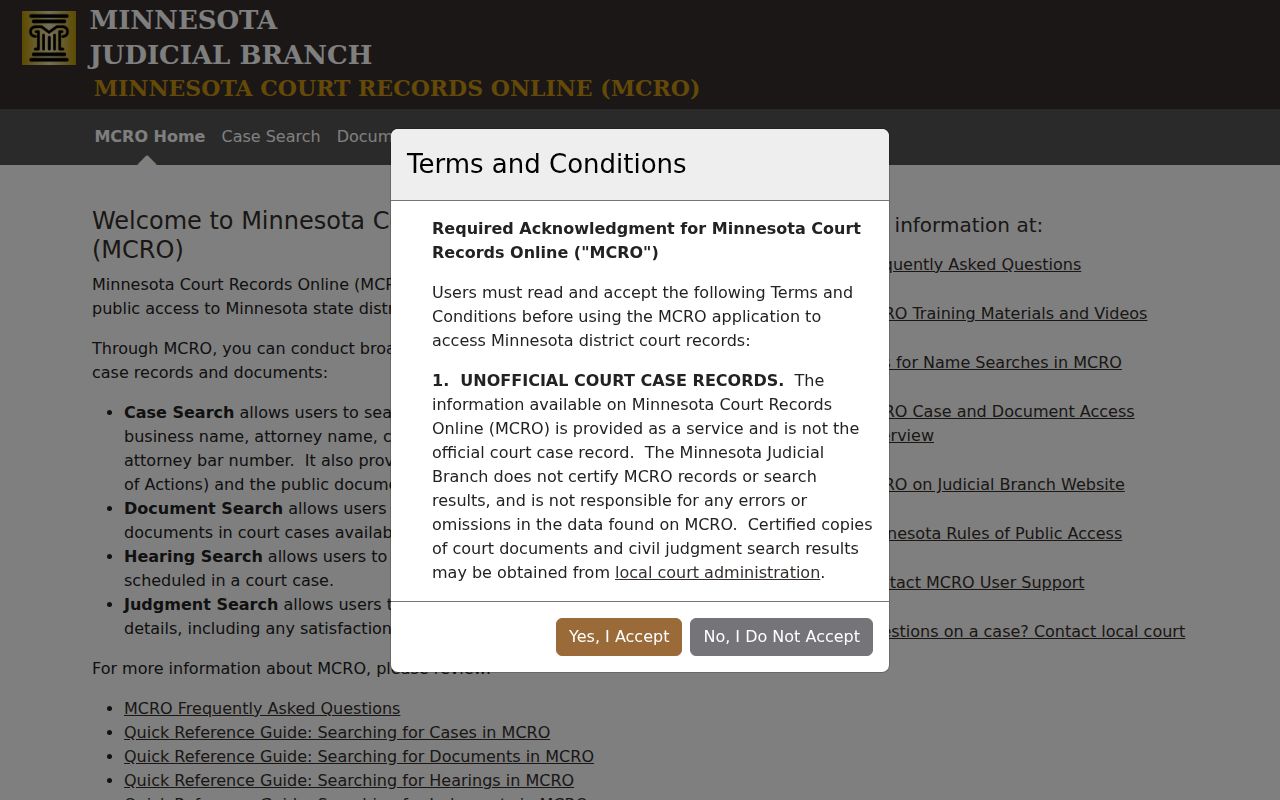
This is the public search starting point. Selecting Dakota through Court Locations is what narrows the statewide case search down to the county court.